USA IPTV M3U Playlist: Worldwide IPTV M3U Playlists for VLC, Android TV and Live TV
Finding a reliable Free M3U Playlist 2027 is a popular search among people who want to organize live television streams on their computers, smart TVs, Android devices, and media players. M3U playlists provide a convenient way to manage streaming links and arrange available channels into categories.
Whether you are looking for a USA IPTV M3U Playlist, a UK IPTV M3U Playlist, or a Worldwide IPTV M3U Playlist, understanding how M3U technology works can help you choose compatible sources and applications.
In 2027, searches for Updated IPTV M3U Playlist, Latest M3U Playlist, and Best IPTV Playlist 2027 are expected to remain relevant as users explore different streaming options. However, not every playlist published online is reliable, active, or authorized for distribution.
This guide explains country-specific M3U playlists, VLC compatibility, Android TV setup, public streaming sources, and important safety considerations.
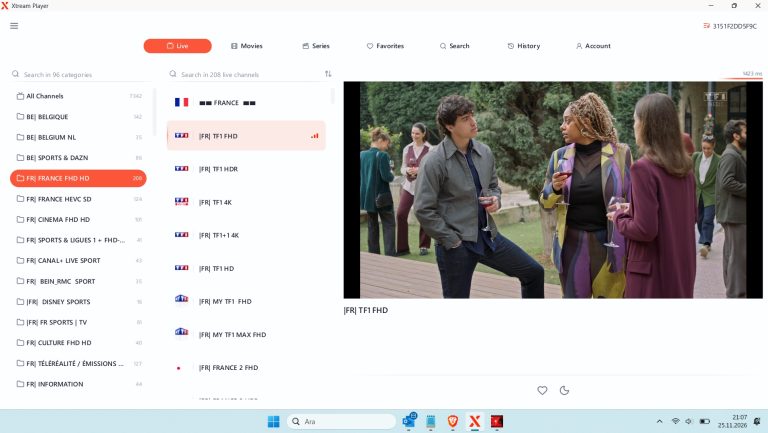
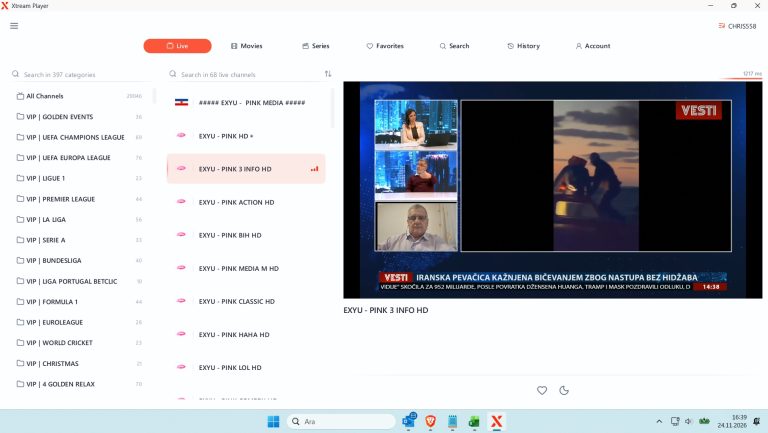
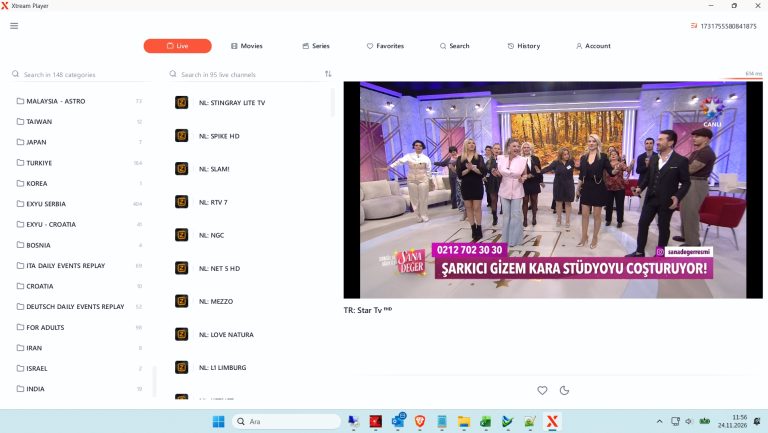
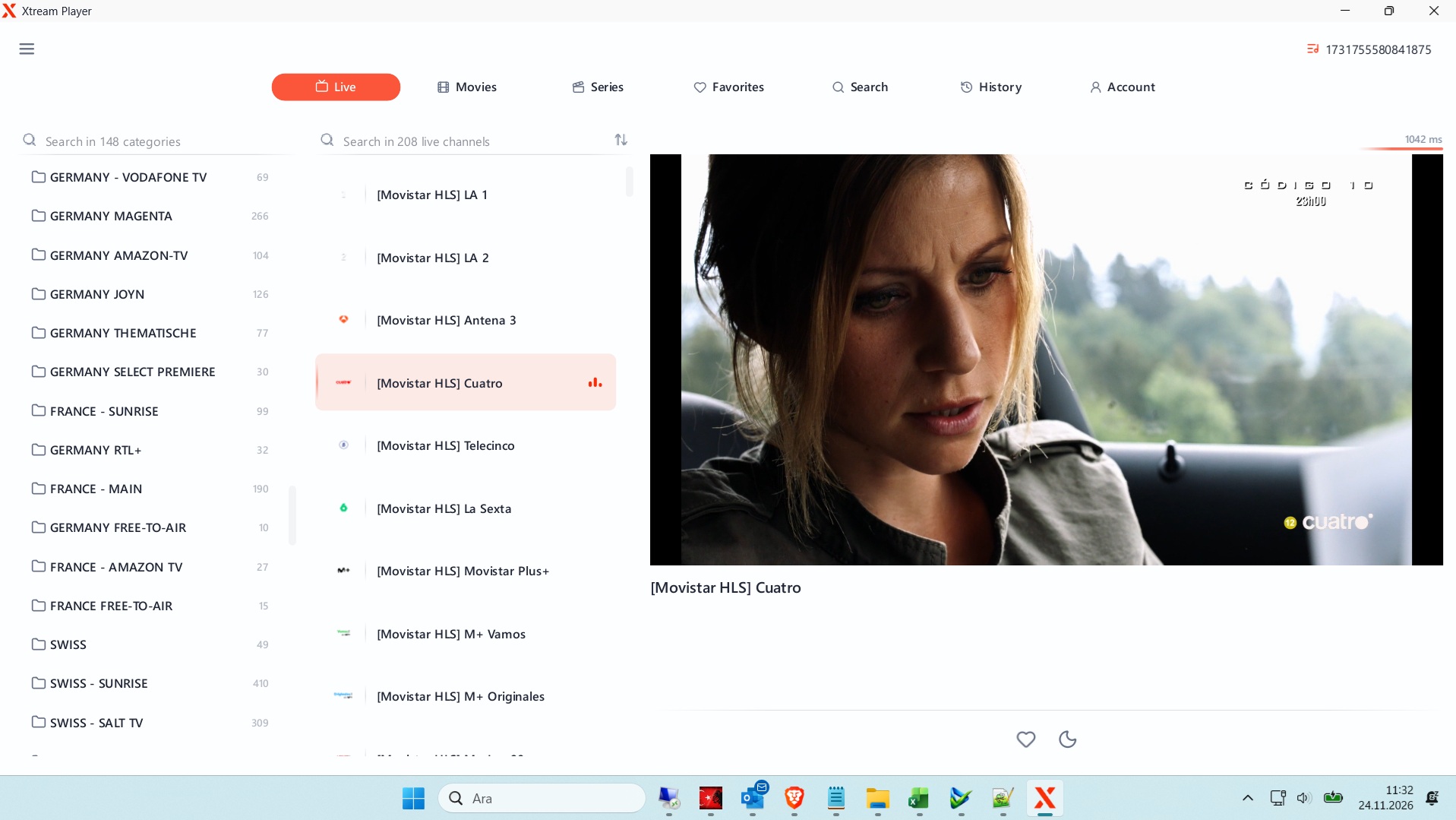
Windows IPTV Player Download

Windows IPTV Player 3.0 Download
What Is an IPTV M3U Playlist?
An IPTV M3U playlist is a text-based file or URL that contains references to media streams. Compatible applications read the playlist and organize available streams into a channel list.
Depending on its structure, an M3U playlist may include:
- Channel names and identifiers.
- Stream addresses.
- Channel logos.
- Group or category information.
- Optional electronic programme guide references.
An M3U playlist does not host television channels itself. It simply provides information that a compatible media player can use to access streams from their original sources.
This distinction is important when searching for a Free Live TV M3U Playlist. A playlist being publicly accessible does not automatically mean that every stream is authorized for redistribution.
Always choose sources that have permission to distribute their content.
Free M3U Playlist 2027: What Should Users Expect?
A Free M3U Playlist 2027 can refer to a playlist that provides access to legitimately available free television streams.
Some broadcasters and public media organizations make selected live content available online. These streams may be accessible through official websites, applications, or authorized public playlists.
Before using an M3U playlist, check:
- Whether the source is legitimate.
- Whether the streams are currently available.
- Whether the playlist supports your media player.
- Whether the content is available in your country.
- Whether the playlist has been maintained recently.
A playlist described as free or updated is not necessarily guaranteed to work permanently. Broadcasters can change stream addresses, remove channels, or introduce regional restrictions.
Country-Specific IPTV M3U Playlists
One reason M3U playlists attract international interest is their flexibility. Users often search for television content from particular countries and languages.
The following sections explain what to consider when looking for country-specific playlists.
USA IPTV M3U Playlist
A USA IPTV M3U Playlist is generally associated with American television content, including news, entertainment, educational programming, and selected live broadcasts.
Users interested in American channels should look for official broadcaster streams and authorized free television sources.
When choosing a playlist, check regional availability and whether the channels are licensed for distribution.
UK IPTV M3U Playlist
A UK IPTV M3U Playlist may organize British television streams by channel type or programme category.
Common interests include:
- British news.
- Entertainment.
- Documentaries.
- Educational programmes.
- Public broadcasting.
Official broadcaster platforms are a useful starting point for finding legitimate UK live television.
Canada IPTV M3U Playlist
A Canada IPTV M3U Playlist is relevant to viewers interested in Canadian news, public broadcasting, regional programming, and English- or French-language content.
Availability can differ between provinces and territories. Check the broadcaster’s regional streaming policies before using a stream.
Germany IPTV M3U Playlist
A Germany IPTV M3U Playlist may focus on German-language news, documentaries, culture, and entertainment.
Users should prioritize authorized German broadcaster streams and verify whether a channel is available outside Germany.
France IPTV M3U Playlist
A France IPTV M3U Playlist is commonly searched by French-speaking viewers interested in news, culture, entertainment, and public television.
Check official broadcaster platforms for live streams and regional access information.
Italy IPTV M3U Playlist
An Italy IPTV M3U Playlist may include Italian-language television, news, educational programmes, and entertainment.
For reliable access, use authorized Italian broadcaster sources and check any geographic restrictions.
Spain IPTV M3U Playlist
A Spain IPTV M3U Playlist is relevant to viewers searching for Spanish news, regional programming, entertainment, and cultural content.
Regional availability is particularly important because some Spanish channels may be restricted to specific territories.
Brazil IPTV M3U Playlist
A Brazil IPTV M3U Playlist may organize Portuguese-language content, including news, educational programming, entertainment, and public broadcasts.
Check whether streams are officially available outside Brazil and whether the provider permits international access.
India IPTV M3U Playlist
An India IPTV M3U Playlist may include content in several languages, reflecting India’s diverse television market.
Users may be interested in Hindi, English, Tamil, Telugu, Bengali, and other regional programming. Always verify the source and applicable distribution permissions.
Turkey IPTV M3U Playlist
A Turkey IPTV M3U Playlist is commonly associated with Turkish-language news, entertainment, documentaries, and cultural programming.
Viewers should check official Turkish broadcaster websites and applications for authorized live streams. Availability may vary depending on location and broadcasting rights.
Australia IPTV M3U Playlist
An Australia IPTV M3U Playlist may focus on Australian news, public television, educational content, and entertainment.
Check official broadcaster services for live streaming options and geographic availability.
Worldwide IPTV M3U Playlist: International Streaming
A Worldwide IPTV M3U Playlist is designed to organize streams from different countries and languages in one playlist.
International playlists may group content by:
- Country.
- Language.
- Channel category.
- News and information.
- Education.
- Entertainment.
- Public broadcasting.
However, worldwide access does not mean every channel is available everywhere. Broadcasting rights, licensing agreements, and regional restrictions can affect availability.
A well-organized playlist should identify its sources clearly and avoid presenting unauthorized streams as official content.
USA IPTV M3U Playlist
👤 www.stbemuiptv.com
━━━━━━━━━━━━━━━━━━
• 𝙋𝙤𝙧𝙩𝙖𝙡 : http://4iduplex.xyz
• 𝘾𝙧𝙚𝙖𝙩𝙚𝙙 : 01/02/2023
• 𝙀𝙭𝙥 : 21/03/2027
• 𝙐𝙨𝙚𝙧 : 0637707D4142
• 𝙋𝙖𝙨𝙨 : 2D05D83A16C3
• 𝘾𝙤𝙣𝙣 : 0
• 𝙈𝙖𝙭𝘾𝙤𝙣𝙣 : 1
• 𝙋𝙤𝙧𝙩 : 80
• 𝙎𝙩𝙖𝙩𝙪𝙨 : # OK ✅
You can download the rest from the link below.
Download Link
Updated IPTV M3U Playlist and Latest M3U Playlist: Why Updates Matter
An Updated IPTV M3U Playlist can be useful when broadcasters change their streaming infrastructure or remove outdated links.
The phrase Latest M3U Playlist is often used by people looking for recently maintained channel lists.
However, a recent publication date does not guarantee that every entry works.
A useful playlist maintenance process should include:
- Checking whether each source is still available.
- Removing broken or discontinued entries.
- Reviewing channel names and categories.
- Checking regional restrictions.
- Confirming that sources remain authorized.
- Updating documentation when stream providers change their services.
Avoid websites that claim every playlist is permanently active without explaining how their sources are maintained.
Best M3U Playlist for VLC
The Best M3U Playlist for VLC is one that is compatible with the VLC media player and comes from a trustworthy source.
VLC supports M3U playlist files and compatible network stream addresses.
A general setup process is simple:
- Open VLC Media Player.
- Select the option to open a file or network stream.
- Choose your authorized M3U file or enter its official playlist address.
- Allow VLC to load the playlist.
- Select an available stream from the playlist.
VLC is available on several desktop and mobile platforms, although the interface and supported features can vary.
If a stream does not play, check whether the source is online and whether it supports the format expected by VLC.
IPTV M3U Playlist for Android TV
An IPTV M3U Playlist for Android TV can be used with compatible media player applications.
Before importing a playlist, check that the application supports M3U files or playlist URLs.
For a better viewing experience:
- Use an application from a trusted distribution source.
- Keep Android TV software updated.
- Use a stable broadband connection.
- Organize channels into useful categories.
- Check whether the application supports EPG information.
- Avoid unknown APK files and suspicious download websites.
Remember that the media player and the television content source are separate. Installing a player does not automatically provide access to live channels.
Public IPTV M3U Playlist: Are Public Streams Reliable?
A Public IPTV M3U Playlist may contain links to publicly accessible streams.
Some public playlists include official broadcaster feeds, while others may contain outdated or unauthorized links.
Before using a public playlist, consider:
- Who maintains it.
- Whether the original broadcaster authorizes redistribution.
- Whether the stream is available in your location.
- Whether the playlist is maintained.
- Whether the source has a clear privacy and security policy.
Public availability should never be treated as proof of distribution permission.
For dependable viewing, official broadcaster websites and licensed streaming applications are usually better options.
Live TV Channels M3U: Organizing Your Playlist
A Live TV Channels M3U playlist can make it easier to organize multiple streams in one place.
Well-structured playlists may use categories such as:
- News.
- Sports.
- Movies.
- Entertainment.
- Kids and family.
- Education.
- International channels.
Users can also benefit from clear channel names and relevant programme guide information.
Good organization makes browsing easier, especially when a playlist contains content from several countries.
Best IPTV Playlist 2027: How to Choose Safely
Choosing the Best IPTV Playlist 2027 involves more than finding a long list of channels.
A reliable playlist should meet several practical requirements.
1. Authorized sources
The playlist should contain streams that are legally available for distribution.
2. Compatibility
Make sure the playlist works with your chosen application, such as VLC or a compatible Android TV player.
3. Maintenance
Prefer sources that clearly explain how often their channel information is reviewed.
4. Regional availability
Check whether streams can be accessed from your country.
5. Clear organization
Channel names, categories, and programme information should be easy to understand.
6. Security
Avoid unknown downloads, suspicious redirects, and websites requesting unnecessary personal information.
A smaller playlist from trustworthy sources is often more useful than a large collection of unreliable links.
Common M3U Playlist Problems and Solutions
Even a legitimate playlist may occasionally experience technical problems.
Playlist not loading
- Check the file format.
- Confirm that the playlist address is correct.
- Verify your internet connection.
- Make sure the source is still available.
Channels not playing
- Check whether the broadcaster has changed its stream.
- Confirm regional availability.
- Try the official broadcaster platform.
- Contact the source provider if appropriate.
Missing channel names
- Check whether the playlist contains metadata.
- Refresh or reload the playlist.
- Use a compatible media player.
Buffering
- Test your internet connection.
- Use Ethernet where possible.
- Close unnecessary applications.
- Check whether the original stream is experiencing problems.
Android TV compatibility issues
- Update the media player.
- Check Android version requirements.
- Confirm that the playlist format is supported.
Frequently Asked Questions
What is a Free M3U Playlist 2027?
It is an M3U-formatted playlist containing references to free streams. Users should verify that the streams are legitimate and authorized.
Can I use an M3U playlist with VLC?
Yes. VLC supports compatible M3U playlist files and network stream addresses.
Which countries have IPTV M3U playlists?
Searches commonly include the USA, UK, Canada, Germany, France, Italy, Spain, Brazil, India, Turkey, and Australia. Actual availability depends on authorized sources.
What is the difference between an M3U file and an M3U URL?
An M3U file is a playlist saved locally. An M3U URL points to a playlist hosted online.
Are public IPTV M3U playlists always legal?
No. Public accessibility does not establish that a stream is authorized for redistribution.
Can I use an IPTV M3U playlist on Android TV?
Yes, if the media player supports M3U files or URLs and the streams are compatible with your device.
What makes the Best IPTV Playlist 2027?
Reliable sources, legal distribution, compatibility, clear organization, regional availability, and regular maintenance are important factors.
Conclusion: Find the Right IPTV M3U Playlist in 2027
M3U technology offers a flexible way to organize compatible television streams across different devices and media players.
Whether you are searching for a USA IPTV M3U Playlist, UK IPTV M3U Playlist, Germany IPTV M3U Playlist, or a Worldwide IPTV M3U Playlist, the most important factors are source reliability, authorization, and device compatibility.
A well-maintained Free M3U Playlist 2027 can be useful when it contains legitimate free streams and clear channel information. VLC and compatible Android TV applications make playlist management straightforward.
Always verify the source before using a playlist, respect regional broadcasting rights, and avoid suspicious download websites.
For more IPTV tutorials, M3U guides, STBEmu information, and streaming technology articles, explore the latest resources on stbemuiptv.com.
About the Author