Free IPTV M3U Playlist 2026: Working, Updated and Worldwide Live TV Guide
Finding a reliable Free IPTV M3U Playlist is a popular search among people who want to explore internet-based television on different devices. M3U playlists provide a convenient way to organize streaming links and access compatible live TV content through supported media players.
Whether you are looking for a Working M3U Playlist, an Updated M3U Playlist, or a worldwide collection of live television channels, understanding how M3U technology works can help you choose suitable sources and avoid unreliable links.
In this guide, we explore the IPTV M3U Playlist 2026 format, free playlist options, international channel categories, regional content, and device compatibility. We also explain how to use M3U playlists with VLC, Kodi, TiviMate, Android TV, Firestick, and Smart TVs.
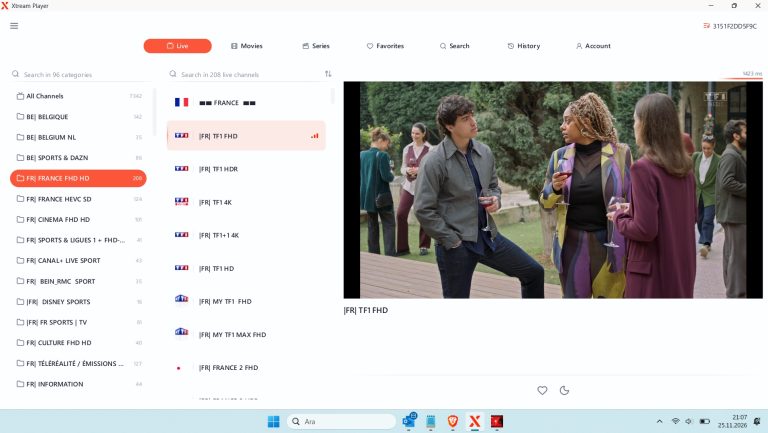
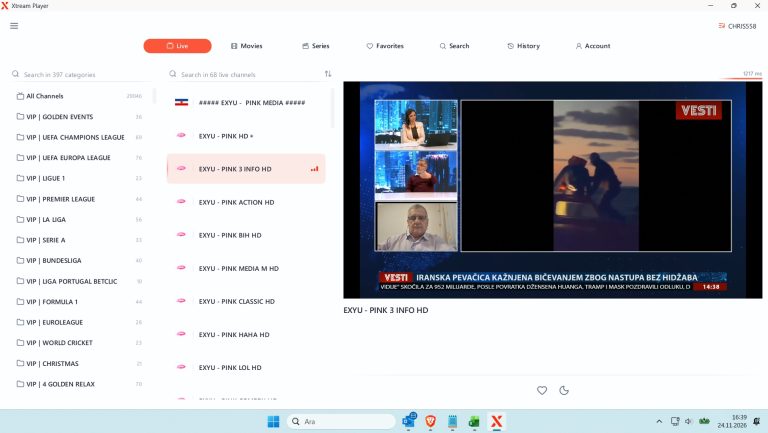
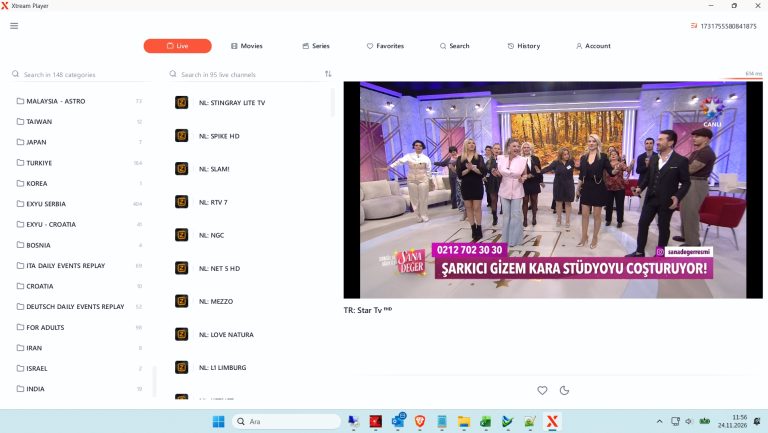
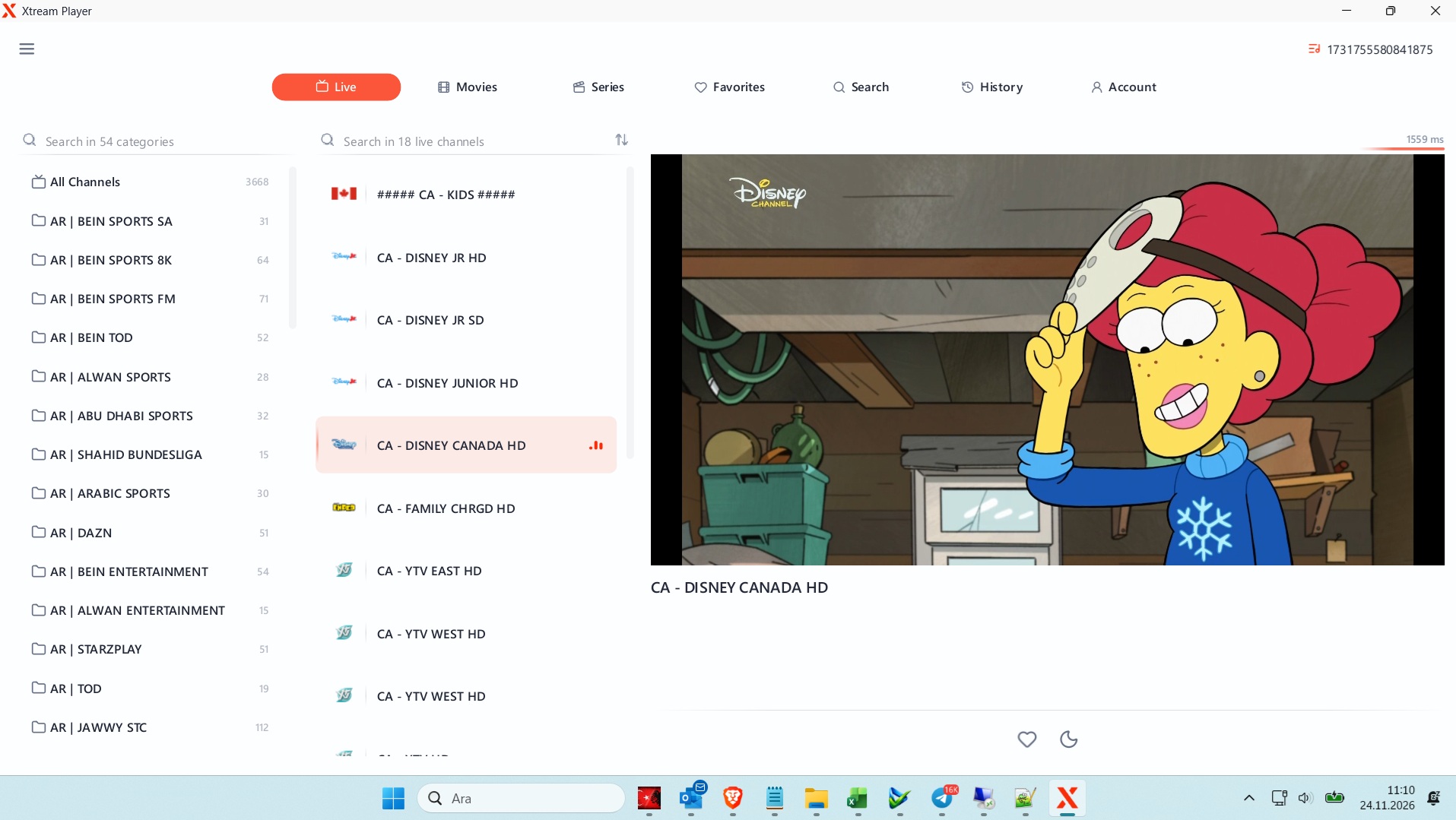
Windows IPTV Player Download

Windows IPTV Player 3.0 Download
What Is an IPTV M3U Playlist?
An M3U playlist is a text-based file or URL that contains references to media streams. In IPTV applications, it can organize television channels into a list that users can browse and play.
An IPTV M3U Playlist 2026 may contain information such as:
- Channel names.
- Streaming addresses.
- Channel logos.
- Group categories.
- Optional programme guide information.
- Metadata used by compatible IPTV applications.
The M3U format does not host television channels itself. Instead, it points a compatible player toward the media streams provided by the playlist source.
This distinction is important when searching for a Free M3U Playlist 2026. A playlist file may be free to download, but that does not automatically mean every listed stream is authorized, active, or permanently available.
Always use playlists distributed by broadcasters, rights holders, or other sources authorized to share the content.
Free IPTV M3U Playlist: How to Find Reliable Sources
A Free IPTV M3U Playlist can be useful for exploring publicly available internet television. Some broadcasters distribute selected live channels through official websites, while other licensed platforms provide free, ad-supported streaming.
Before using a playlist, consider these factors:
Source reliability: Prefer official broadcaster websites and recognized streaming platforms.
Content authorization: Check whether the source has permission to distribute the channels.
Playlist format: Make sure the file or URL uses a format supported by your media player.
Update frequency: Some broadcasters change their streaming addresses, which can make older playlists stop working.
Security: Avoid suspicious downloads, unknown applications, and websites that request unnecessary personal information.
A trustworthy source should provide clear information about its content and usage conditions.
Working M3U Playlist: Why Do Some Links Stop Working?
People searching for a Working M3U Playlist often expect a list that plays every channel without interruption. In practice, IPTV streams can change or become unavailable for several reasons.
Common causes include:
- Expired streaming addresses.
- Broadcaster website updates.
- Regional viewing restrictions.
- Server maintenance.
- Internet connection problems.
- Changes to streaming formats.
- Removed or discontinued channels.
A playlist that worked yesterday may not work today. Therefore, no public playlist should be considered permanently active.
When a channel stops playing, check the original broadcaster’s website first. If the broadcaster has published a new official streaming address, update your playlist using that authorized source.
Updated M3U Playlist: Why Regular Maintenance Matters
An Updated M3U Playlist can offer a better browsing experience when its channel information and streaming references are maintained correctly.
However, updates do not guarantee that every channel will work in every country or on every device.
A well-maintained playlist should ideally include:
- Accurate channel names.
- Correct category labels.
- Valid streaming references.
- Updated logos where available.
- Clear regional classifications.
- Removal of discontinued entries.
Users should also understand that playlist updates depend on the original content provider. A third-party website cannot guarantee continued access to streams it does not control.
Worldwide M3U Playlist and Global IPTV Playlist
A Worldwide M3U Playlist can organize publicly available channels from different countries in one convenient collection.
A Global IPTV Playlist may include international news, entertainment, educational programming, music, and selected public broadcasting channels.
International playlists are particularly useful for people who want to explore content from different regions or watch broadcasters that publish free online streams.
Popular regional categories include:
- USA M3U Playlist
- UK M3U Playlist
- Canada M3U Playlist
- Europe M3U Playlist
- Asia M3U Playlist
- International M3U Playlist
Channel availability depends on broadcasting rights, geographic restrictions, and the source’s distribution policy.
USA M3U Playlist
A USA M3U Playlist may include publicly available American news, educational channels, local broadcasting, and other free-to-watch programming.
Check official broadcaster websites for current streaming availability and regional conditions.
UK M3U Playlist
A UK M3U Playlist can help users discover British public broadcasting and other authorized online television streams.
Some channels may be available only to viewers who meet the broadcaster’s location or account requirements.
Canada M3U Playlist
A Canada M3U Playlist may contain Canadian news, educational programming, cultural channels, and public broadcasting content.
Always check the broadcaster’s official streaming terms before using a channel link.
Europe M3U Playlist
A Europe M3U Playlist can bring together publicly accessible channels from different European countries.
Language, licensing, and geographic restrictions may vary significantly between broadcasters.
Asia M3U Playlist
An Asia M3U Playlist may help users discover international news, cultural programming, entertainment, and public television from Asian countries.
For the most reliable access, use official broadcaster streams whenever available.
Popular M3U Playlist Categories
One advantage of an IPTV playlist is that channels can be grouped by content type. This makes browsing easier and helps users find the programming they want.
Live TV M3U Playlist
A Live TV M3U Playlist organizes television streams that broadcast scheduled programming in real time.
Depending on the source, these channels may include news, educational content, public information, and entertainment.
Sports M3U Playlist
A Sports M3U Playlist can organize authorized sports broadcasts, sports news, interviews, and analysis.
Live sporting events often have strict distribution rights. Use official sports broadcasters and licensed streaming services rather than unauthorized links.
Free IPTV M3U Playlist
👤 www.stbemuiptv.com
━━━━━━━━━━━━━━━━━━
• 𝙋𝙤𝙧𝙩𝙖𝙡 : http://4iduplex.xyz
• 𝘾𝙧𝙚𝙖𝙩𝙚𝙙 : 01/02/2023
• 𝙀𝙭𝙥 : 21/03/2027
• 𝙐𝙨𝙚𝙧 : 0637707D4142
• 𝙋𝙖𝙨𝙨 : 2D05D83A16C3
• 𝘾𝙤𝙣𝙣 : 0
• 𝙈𝙖𝙭𝘾𝙤𝙣𝙣 : 1
• 𝙋𝙤𝙧𝙩 : 80
• 𝙎𝙩𝙖𝙩𝙪𝙨 : # OK ✅
Download Link
News M3U Playlist
A News M3U Playlist may include public news channels and official news broadcasts from different countries.
This category is useful for following international events, business news, weather updates, and regional developments.
Entertainment M3U Playlist
An Entertainment M3U Playlist can include general entertainment, lifestyle programmes, interviews, and variety shows.
The exact selection depends on the broadcasters included in the authorized playlist.
Movie M3U Playlist
A Movie M3U Playlist may organize legally available film channels, public-domain movie streams, and official promotional content.
Remember that a channel broadcasting movies must have the appropriate distribution rights.
Kids M3U Playlist
A Kids M3U Playlist can help families find educational programming, children’s entertainment, and age-appropriate public broadcasting.
Parents should review the channel sources and enable suitable parental controls where available.
Music M3U Playlist
A Music M3U Playlist may include music television, concert broadcasts, artist interviews, and official music programming.
Check the content provider’s licensing information before sharing or redistributing playlist entries.
24/7 Live TV Playlist: What Does It Mean?
A 24/7 Live TV Playlist generally refers to channels or streams that are designed to remain available throughout the day.
These may include continuous news coverage, music channels, educational programming, weather information, or scheduled entertainment.
However, the phrase 24/7 does not guarantee uninterrupted service. Streams may become unavailable during maintenance, technical problems, or changes to broadcasting permissions.
For dependable viewing, choose official services that publish clear availability information.
How to Use an M3U Playlist on Different Devices
M3U playlists are supported by many media applications. The exact setup process depends on the device and software.
VLC M3U Playlist
A VLC M3U Playlist can be opened using VLC Media Player.
General steps:
- Install VLC from its official website or trusted app store.
- Open VLC.
- Select the option to open a network stream or media file.
- Enter an authorized M3U URL or select a playlist file.
- Start playback.
VLC is useful for testing playlist compatibility and checking individual streams.
Kodi M3U Playlist
A Kodi M3U Playlist can be used with compatible IPTV or PVR add-ons.
Users generally need to enable the appropriate feature, configure an authorized playlist source, and refresh the channel list.
Consult Kodi’s official documentation for current setup instructions.
TiviMate M3U Playlist
A TiviMate M3U Playlist is designed for use with the TiviMate IPTV player on supported Android-based devices.
The user can add a playlist source, enter an authorized URL, and organize channels according to the application’s available features.
TiviMate is a player, not a source of television subscriptions or channels.
Android TV M3U Playlist
An Android TV M3U Playlist can be opened through a compatible IPTV application installed on an Android TV device.
Check the application’s supported playlist formats and device requirements before importing a file.
Firestick M3U Playlist
A Firestick M3U Playlist can be used with compatible applications available through trusted installation channels.
Make sure the application is legitimate and that the playlist source is authorized to distribute its content.
Smart TV M3U Playlist
A Smart TV M3U Playlist may work through a compatible television application or an external streaming device.
Compatibility depends on the television’s operating system, application availability, and supported media formats.
Samsung TV M3U Playlist
A Samsung TV M3U Playlist requires an IPTV application compatible with the television’s operating system and model.
Application availability may differ between TV generations and regions. Check the Samsung app store and the application’s official compatibility information.
LG Smart TV M3U Playlist
An LG Smart TV M3U Playlist can be used with supported IPTV applications available for compatible LG televisions.
Before installing an application, verify its availability for your model and webOS version.
How to Choose a Reliable Public M3U Playlist
A Public M3U Playlist can be useful when it contains streams that broadcasters have intentionally made available for public viewing.
Use the following checklist before adding a playlist:
- Identify the original content provider.
- Confirm that the streams are authorized for public distribution.
- Check whether the playlist is compatible with your device.
- Review any geographic or account restrictions.
- Avoid suspicious files and unknown applications.
- Test a small number of streams before organizing a large playlist.
Do not assume that a playlist is legitimate simply because it is described as public or free.
Common IPTV M3U Playlist Problems and Solutions
Even a properly configured playlist can experience technical issues.
Playlist does not load: Check the URL or file location and confirm that your application supports M3U.
Channels are missing: Refresh the playlist and check whether the original broadcaster still publishes the streams.
Playback keeps buffering: Test your internet connection, restart your router, and close unnecessary applications.
Video does not play: Check whether the media player supports the stream’s video and audio formats.
Channels are restricted: Some broadcasters limit viewing to specific countries or registered users. Follow their official access requirements.
Frequently Asked Questions
Is there a Free M3U Playlist 2026?
Some broadcasters and licensed streaming platforms publish free M3U-compatible streams. Availability depends on the source and its distribution rights.
What is the difference between M3U and IPTV?
IPTV is a method of delivering television over internet networks. M3U is a playlist format that can organize references to media streams.
Can I use one playlist on multiple devices?
Possibly. Compatibility depends on the playlist format, application, and provider’s terms.
Are Updated M3U Playlist links always working?
No. Streaming addresses can change, expire, or become restricted.
Which application supports M3U playlists?
VLC, Kodi, TiviMate, and other compatible media players may support M3U playlists. Features vary by device and application version.
Conclusion
A Free IPTV M3U Playlist can provide a convenient way to organize authorized online television streams. Whether you are interested in a Worldwide M3U Playlist, regional channels, sports, news, movies, music, or a 24/7 Live TV Playlist, understanding the M3U format is essential.
The best approach is to choose legitimate sources, use compatible applications, and keep your playlist information organized. Remember that free access does not automatically mean unrestricted or permanent access.
For more IPTV setup tutorials, M3U guides, and device compatibility information, explore the latest resources on stbemuiptv.com.
About the Author