Free M3U Playlist 2026: Best Free IPTV M3U Links, URLs and Updated Playlists
Are you searching for a reliable M3U link, a working M3U URL, or the best free M3U playlist for your favorite IPTV player? M3U playlists are widely used in digital media applications because they provide a convenient way to organize and access streaming content.
Whether you are looking for IPTV free M3U, a free M3U playlist, or an updated IPTV playlist M3U, understanding how these formats work can help you choose the right streaming solution.
In 2026, searches for working M3U, updated M3U, and free IPTV playlist options continue to attract users interested in live television, international channels, and compatible media players.
This guide explains M3U links, M3U8 files, free IPTV playlists, device compatibility, and how to find legitimate streaming sources.
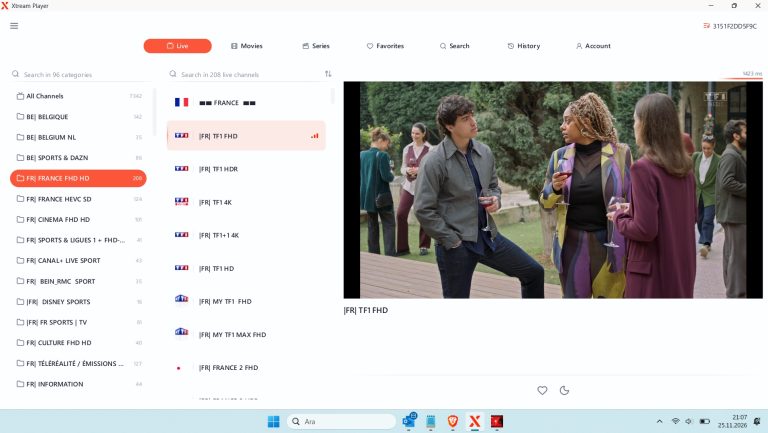
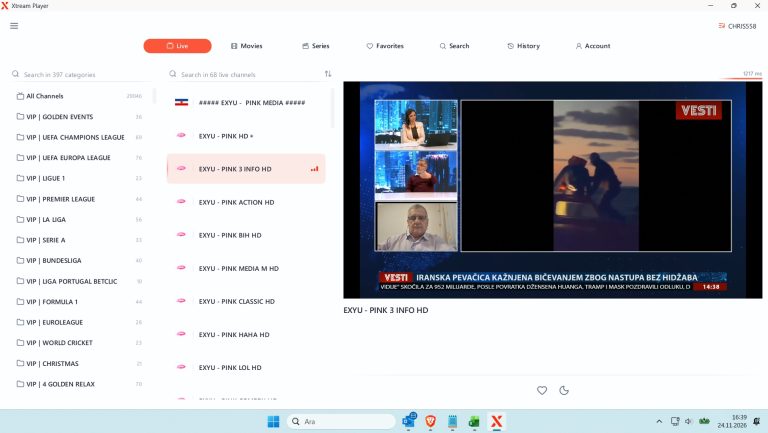
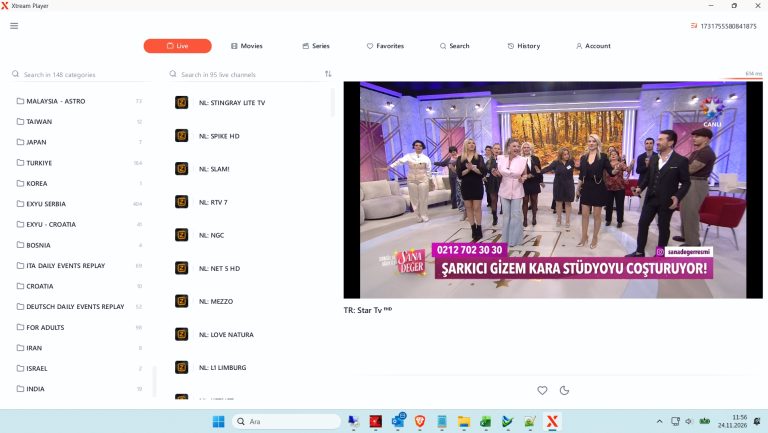
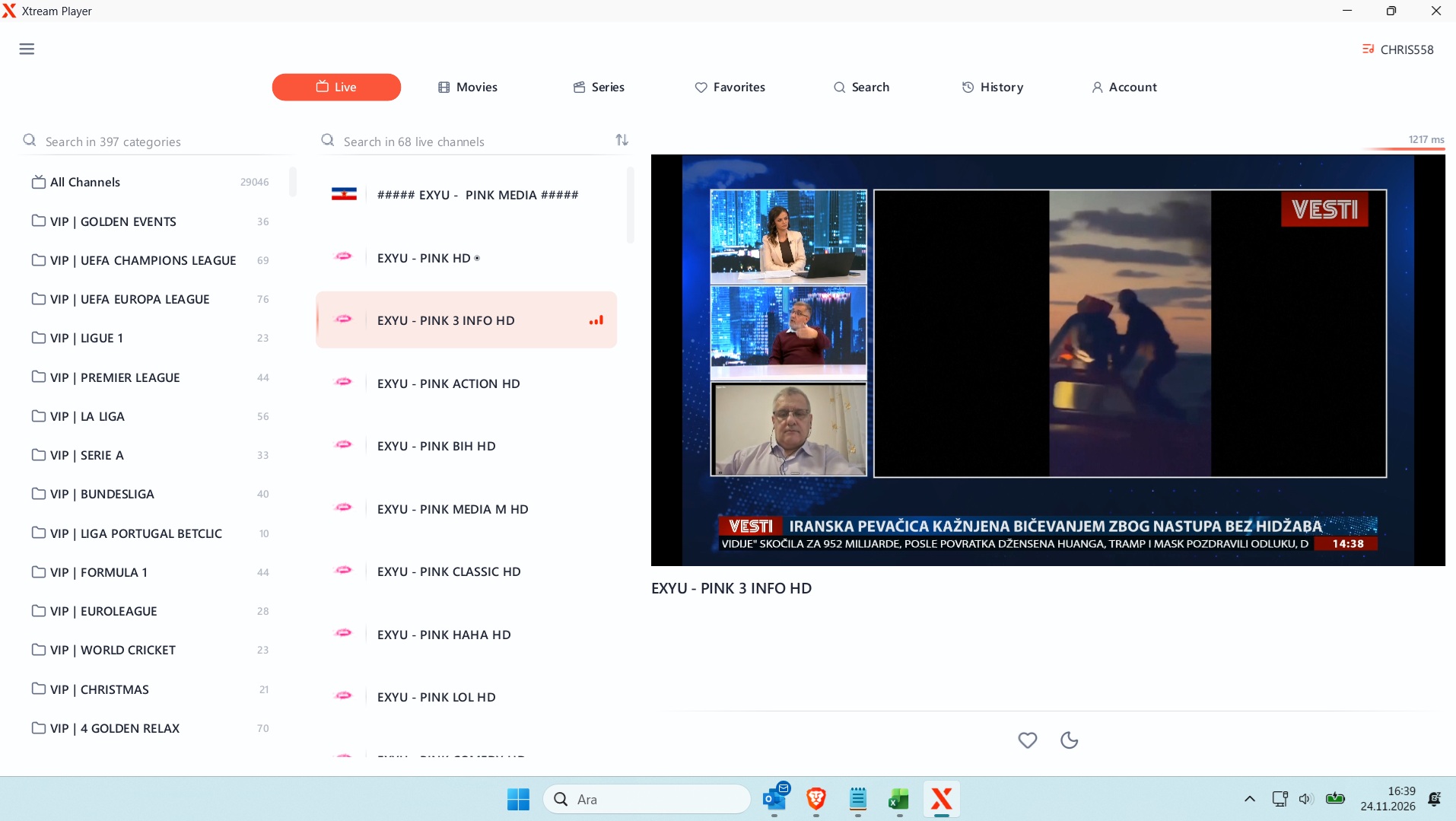
Windows IPTV Player Download

Windows IPTV Player 3.0 Download
What Is an M3U Playlist?
An M3U playlist is a text-based file format used to organize multimedia content. It can contain references to audio streams, video files, and live television streams.
An M3U file does not normally contain the actual video content. Instead, it stores information that a compatible media player uses to locate and open the selected stream.
An M3U playlist may include:
- Channel names.
- Stream addresses.
- Channel identifiers.
- Group categories.
- Optional programme guide information.
- Metadata describing individual entries.
This format is popular because it is supported by many media players and streaming applications.
Users can import an M3U file from local storage or load an online playlist through an M3U URL.
What Is an M3U Link or M3U URL?
An M3U link, also known as an M3U URL, is an internet address that points to an online playlist.
Instead of downloading a playlist file manually, users can enter the URL into a compatible IPTV application.
The application reads the playlist and organizes the available entries.
A typical M3U URL workflow involves:
- Opening a compatible media player.
- Selecting the option to add a playlist.
- Choosing the M3U URL option.
- Entering the playlist address supplied by the source.
- Saving the playlist.
- Waiting for the application to load the available channels.
The exact process varies between applications.
Always use playlist URLs from sources that have permission to distribute their streams. An unfamiliar M3U link may contain expired streams, misleading content, or unsafe destinations.
IPTV Free M3U: Understanding Free IPTV Playlists
The search term IPTV free M3U is popular among users who want to explore television streaming without purchasing a subscription.
Some legitimate organizations, broadcasters, and public media providers make selected streams available online.
These sources may include:
- Public television channels.
- Official broadcaster livestreams.
- Educational channels.
- Government information channels.
- Community television.
- Free ad-supported streaming services.
A free playlist is not automatically legal or reliable. The source must have the appropriate rights to distribute the included content.
Before using a free IPTV playlist, check who provides it and whether the streams are officially available.
Best Free M3U: How to Choose a Reliable Playlist
Searching for the best free M3U can produce many websites offering downloadable files and online playlist links.
However, the number of channels listed does not necessarily indicate quality.
A useful playlist should offer:
Reliable sources: Streams should come from identifiable and authorized providers.
Regular maintenance: Playlist entries should be reviewed when channels or stream addresses change.
Device compatibility: The playlist should work with your chosen M3U-compatible player.
Clear organization: Categories and channel names should be easy to understand.
Privacy and security: Avoid sources that require unnecessary personal information or suspicious downloads.
A smaller playlist with reliable, authorized streams is often more useful than a large list filled with unavailable channels.
Working M3U and Updated M3U: What Should Users Expect?
Many people search for working M3U and updated M3U because online streams can change over time.
A playlist that worked previously may stop loading because:
- The broadcaster changed its stream address.
- A livestream ended.
- The source removed public access.
- Geographic restrictions were introduced.
- The playlist was not maintained.
- The provider changed its distribution policy.
There is no universal playlist that is guaranteed to work permanently.
If a stream stops working, check the broadcaster’s official website or the playlist publisher’s update information.
Be cautious of websites that advertise every playlist as permanently active without providing verification.
M3U IPTV and Free M3U Playlist Compatibility
M3U IPTV refers to using M3U playlists with compatible IPTV or media player applications.
A free M3U playlist can be imported into an application that supports the format, provided that the playlist is valid and its streams are accessible.
Before importing a playlist, consider:
- Whether the application supports M3U.
- Whether the playlist uses a compatible format.
- Whether the stream sources are still available.
- Whether the content is authorized for distribution.
- Whether your internet connection can support playback.
Some players also support electronic programme guide information, channel logos, favourites, and playlist organization.
These features depend on the application and the metadata included in the playlist.
What Is an IPTV M3U Playlist?
An IPTV M3U playlist is a playlist that contains references to IPTV streams.
It can organize channels into groups, making it easier to navigate different types of content.
Common playlist categories include:
- News.
- Entertainment.
- Sports.
- Movies.
- Music.
- Educational content.
- International television.
A well-organized playlist can improve the viewing experience, especially when it contains many channels.
However, a playlist format does not guarantee that every listed channel is active. Stream availability depends on the original source.
Free M3U Playlist 2026
👤 www.stbemuiptv.com
━━━━━━━━━━━━━━━━━━
• 𝙋𝙤𝙧𝙩𝙖𝙡 : http://103.175.129.159
• 𝘾𝙧𝙚𝙖𝙩𝙚𝙙 : 07/06/2025
• 𝙀𝙭𝙥 : 04/12/2026
• 𝙐𝙨𝙚𝙧 : A272D42Y8WDXCST
• 𝙋𝙖𝙨𝙨 : UScCOpE7hI
• 𝘾𝙤𝙣𝙣 : 0
• 𝙈𝙖𝙭𝘾𝙤𝙣𝙣 : 1
• 𝙋𝙤𝙧𝙩 : 80
• 𝙎𝙩𝙖𝙩𝙪𝙨 : # OK ✅
You can download the rest from the link below.
Download Link
Free IPTV M3U: Where Can You Find Legal Sources?
A free IPTV M3U playlist should come from a source that has permission to distribute the content.
Instead of relying on anonymous websites, consider these options:
Official Broadcaster Websites
Some television networks provide free live streams through their own websites or applications.
Public Media Services
Public broadcasters may offer selected live channels and educational content.
Free Ad-Supported Streaming Platforms
Some platforms provide free television channels supported by advertising. Availability varies by country.
Public and Community Channels
Local organizations, universities, and community broadcasters may publish authorized livestreams.
Always review regional restrictions and the provider’s terms before adding a stream to your playlist.
M3U8: What Is the Difference Between M3U and M3U8?
The term M3U8 is closely related to M3U, but there are technical differences.
M3U8 is a playlist format that uses UTF-8 text encoding. It is commonly associated with HTTP Live Streaming (HLS).
HLS divides media into smaller segments and uses a playlist to describe how a compatible player retrieves them.
| Feature | M3U | M3U8 |
|---|---|---|
| Format | Text-based playlist | UTF-8 playlist |
| Common use | Media and IPTV playlists | HLS streaming |
| Encoding | May use different text encodings | UTF-8 |
| Streaming | Depends on referenced media | Commonly used with segmented streaming |
| Compatibility | Supported by many media players | Supported by HLS-compatible players |
An M3U8 address may point to a live stream that changes continuously as new media segments become available.
Not every IPTV application supports every M3U8 implementation, so check the player’s documentation.
How to Use an M3U Playlist on Different Devices
M3U playlists can be used on many devices, depending on the installed software.
Android Devices
Choose a trusted media player that supports M3U imports. Add the playlist file or authorized URL through the application’s playlist settings.
Android TV
Use an application designed for television navigation. Remote-control support and playlist organization can make browsing easier.
Amazon Fire TV
Install a compatible application from an official or trusted source. Check whether it supports the M3U format and your device model.
Windows and Mac
Desktop media players may allow users to open M3U files directly or load online playlist addresses.
Smart TVs
Compatibility depends on the television operating system and available applications.
Always download applications from official stores or trusted developer sources.
Common M3U Playlist Problems and Solutions
Even a valid playlist can sometimes fail to load.
Here are common problems and possible solutions.
M3U URL not working
- Check the address for typing errors.
- Confirm that the source is still online.
- Verify that the playlist has not expired.
Channels not loading
- Test your internet connection.
- Check whether the broadcaster’s stream is available.
- Refresh the playlist.
M3U8 playback error
- Confirm that your player supports HLS.
- Update the application.
- Check whether the stream requires a supported playback format.
Playlist categories missing
- Refresh the playlist.
- Check the application’s organization settings.
- Verify that the source includes category information.
Buffering problems
- Use a stable internet connection.
- Reduce network congestion.
- Close unnecessary background applications.
- Check whether the stream resolution is supported by your device.
How to Identify an Unsafe Free M3U Website
Not every website offering a free IPTV playlist is trustworthy.
Watch for warning signs such as:
- Guaranteed access to premium channels without authorization.
- Unknown APK downloads.
- Requests for IPTV passwords.
- Excessive pop-up advertisements.
- Suspicious redirects.
- No information about the playlist source.
- Claims of permanently working streams without verification.
Do not enter personal or payment information on unfamiliar websites simply to obtain an M3U link.
Choose identifiable sources and verify that their content is legally distributed.
Frequently Asked Questions About Free M3U IPTV
What is a free M3U playlist?
It is an M3U-formatted playlist available without a playlist purchase. The legality and reliability depend on whether the source is authorized to distribute its streams.
Where can I find a working M3U URL?
Look for official broadcaster livestreams, public media sources, and authorized playlist publishers. No online playlist can guarantee permanent availability.
What is the difference between M3U and M3U8?
M3U is a general text-based playlist format, while M3U8 uses UTF-8 encoding and is commonly associated with HLS streaming.
Can I use M3U IPTV on Firestick?
Yes, if your chosen application supports M3U playlists and is compatible with your Fire TV device.
Is the best free M3U playlist always the largest one?
No. Source reliability, stream availability, organization, and content permissions are more important than the number of entries.
Can I use an M3U URL on Android TV?
Yes. Many compatible media players support online M3U playlist addresses.
Conclusion: Finding the Right Free M3U Playlist in 2026
M3U technology remains a convenient way to organize online media and authorized IPTV streams. Whether you are searching for an M3U link, IPTV free M3U, best free M3U, working M3U, or M3U IPTV, understanding the playlist format helps you choose a suitable application and source.
M3U and M3U8 offer flexible ways to organize streaming content across different devices. However, playlist quality depends on the original broadcaster, source availability, and distribution permissions.
Choose trusted applications, use legitimate free streaming sources, and verify playlist information before importing it.
For more IPTV tutorials, M3U configuration guides, and streaming technology articles, explore the latest resources on our website.
About the Author