Free IPTV M3U Playlist 2027 – Best Free M3U Playlists, IPTV Links and Download Guide
Are you looking for a free IPTV M3U playlist 2027 to explore international television channels and publicly available streaming content? IPTV technology continues to grow worldwide, offering viewers a flexible way to access television through internet-connected devices. With a compatible IPTV player and an M3U playlist, users can organize available live TV streams without relying entirely on traditional cable or satellite television.
A free M3U playlist 2027 can include different channel categories, such as international news, entertainment, documentaries, educational programs, music, and public broadcasting. Whether you are searching for an IPTV M3U playlist free option, updated streaming sources, or an M3U playlist free download, understanding how these playlists work is essential.
In this guide, we explore free IPTV links M3U, public playlists, IPTV-org M3U resources, compatible applications, and practical installation tips.
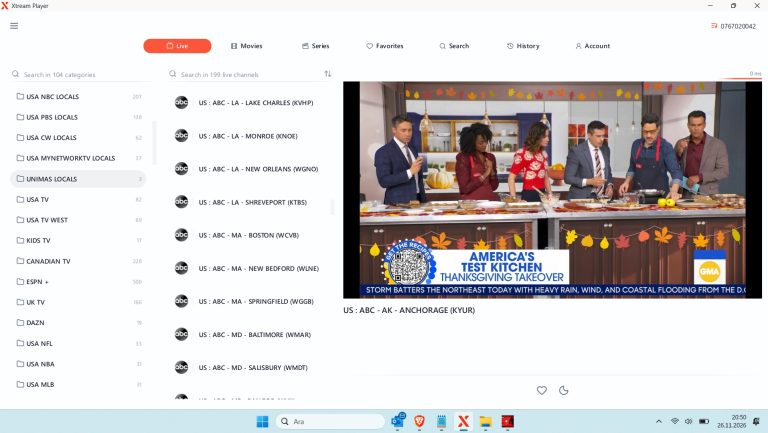
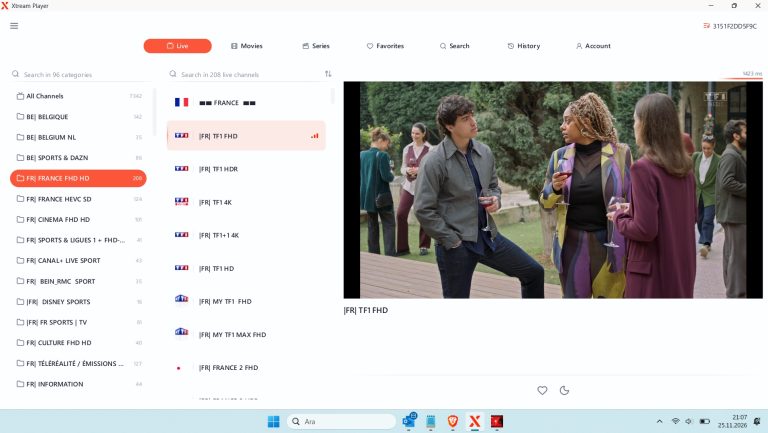
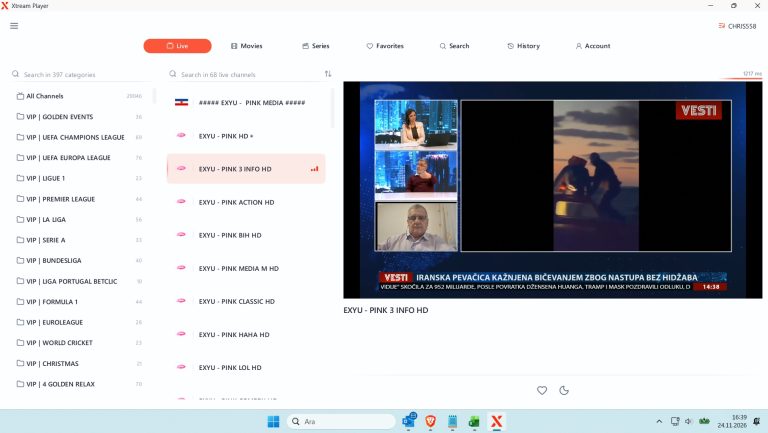
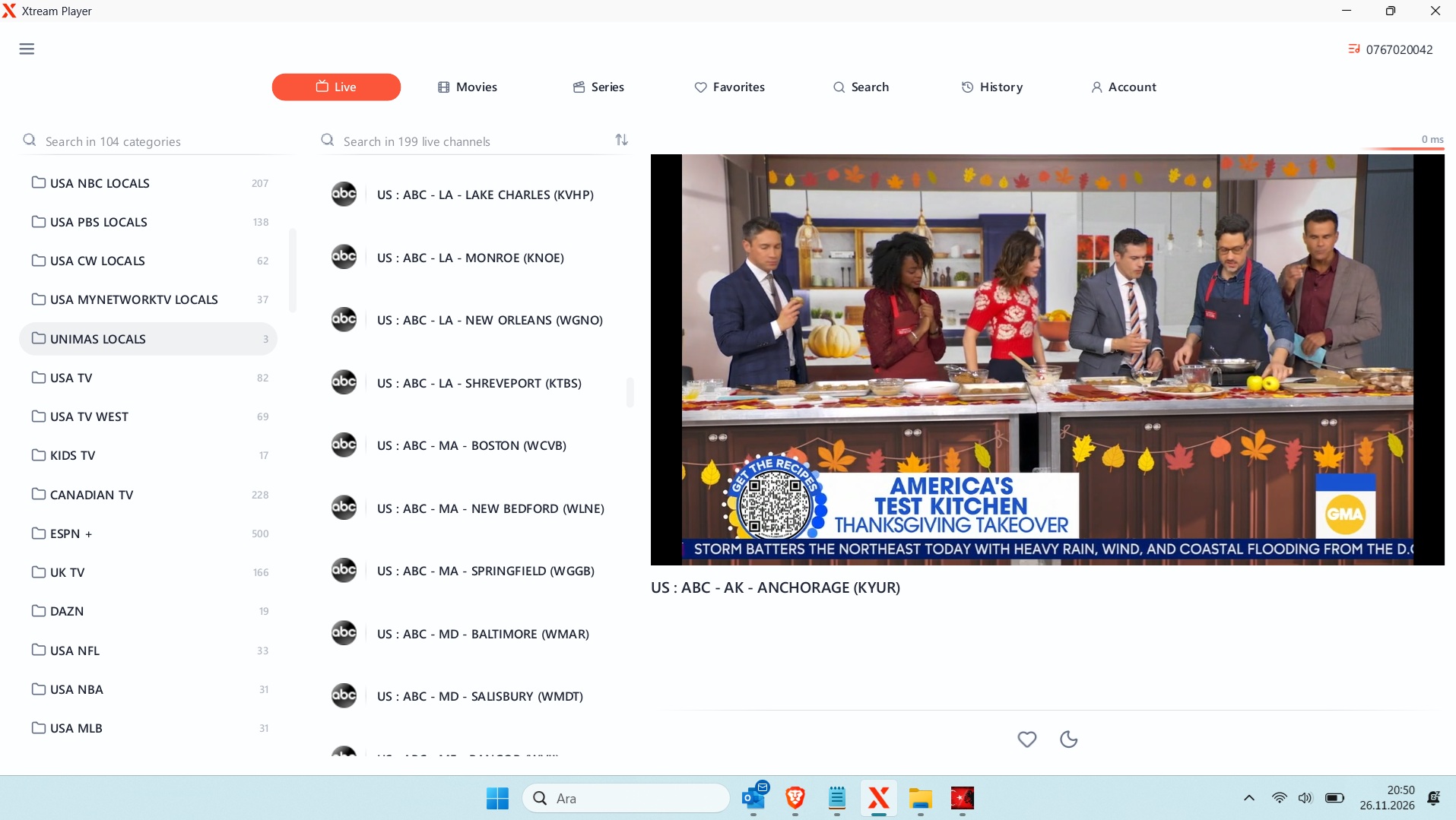
Windows IPTV Player Download

Windows IPTV Player 3.0 Download
What Is an IPTV M3U Playlist?
An M3U playlist is a text-based format that organizes multimedia streams. In IPTV applications, it can contain channel names, streaming addresses, logos, and category information.
When a compatible IPTV player opens an M3U file or URL, it reads the playlist and displays the available channels.
An IPTV M3U playlist free collection can be useful for viewers who want to explore publicly accessible television streams. However, the availability and quality of individual channels depend on their original sources.
Some streams may become unavailable, change their addresses, or have regional restrictions. Therefore, choosing a reliable and authorized playlist source is important.
Free IPTV M3U Playlist 2027: What Channels Can You Find?
The demand for a free IPTV M3U playlist 2027 continues to attract users interested in international television and online streaming.
Depending on the source, a playlist may contain several types of content:
- International news channels
- Public television broadcasts
- Educational programs
- Documentary channels
- Entertainment and lifestyle content
- Music and radio stations
- Children’s educational programming
- Regional television channels
A properly organized playlist makes it easier to browse available channels and discover content from different countries.
When searching for a free IPTV playlist in 2027, prioritize official broadcasters and publicly authorized streaming sources rather than websites promising unlimited premium channels.
Free M3U Playlist 2027: How to Find Updated Sources
Finding a reliable free M3U playlist 2027 requires checking the original source, playlist structure, and stream availability.
Not every playlist advertised as updated is actually maintained. Some websites continue publishing outdated links that no longer work.
Before using a playlist, consider these recommendations:
Check the original source: Prefer established websites and open-source projects.
Verify channel availability: Individual streams may stop working without notice.
Check device compatibility: Make sure your IPTV application supports M3U files or remote playlist URLs.
Review regional restrictions: Some broadcasters limit their content to specific countries.
Respect broadcasting rights: Public accessibility does not automatically grant permission to redistribute television content.
These steps can help you avoid unreliable sources and choose better streaming options.
Free IPTV Links M3U: Understanding M3U URLs
Many people search for free IPTV links M3U because they want to add playlists directly to their preferred IPTV applications.
An M3U URL is a web address that points to a playlist hosted online. Instead of downloading a file, users can enter the playlist address into a compatible application.
There are two common playlist methods:
- Remote M3U URL: The application retrieves the playlist from an online source.
- Local M3U File: The user downloads the playlist and imports it from device storage.
Remote playlists are convenient because applications can retrieve updated playlist information when the source changes. However, updates depend entirely on the original provider.
Always use free IPTV links M3U from legitimate sources and avoid suspicious websites that request unnecessary personal information.
M3U Playlist Free Download: How to Install an M3U File
An M3U playlist free download is a convenient option for users who prefer storing playlist files on their devices.
Follow these basic steps to import a compatible playlist:
- Find a reputable source offering an authorized M3U playlist.
- Download the M3U file to your device.
- Open an IPTV application that supports M3U.
- Select the option to add or import a playlist.
- Browse your device storage and select the downloaded file.
- Allow the application to process the playlist.
- Browse the available channels and categories.
If you prefer an online playlist, you can use the remote M3U URL option instead.
Remember that downloading an M3U file does not guarantee that every channel will work. Stream availability depends on the original broadcaster and the playlist source.
Free Public IPTV Playlist: What Does It Mean?
A free public IPTV playlist is generally a collection of streaming links that are accessible to the public.
These playlists may include official television broadcasts, public information channels, educational streams, and other freely accessible content.
However, public access and legal redistribution are different things. A stream being available online does not necessarily mean that it can legally be copied or redistributed.
When choosing a free public IPTV playlist, look for transparent sources that explain where their streams originate.
Official broadcaster websites and established open-source projects are useful starting points for discovering publicly accessible channels.
IPTV-org M3U: Explore Public IPTV Channels
One of the well-known resources in the public IPTV ecosystem is IPTV-org M3U.
IPTV-org is an open-source project that organizes television channel information and publicly available streaming resources. Its GitHub repository provides access to playlists and channel information from different countries.
The project is particularly useful for users interested in:
- International television channels
- Country-specific IPTV playlists
- Language-based channel collections
- Publicly accessible streams
- M3U playlist organization
You can explore the official project here:
https://github.com/iptv-org/iptv
The IPTV-org M3U resources can help users understand how public IPTV playlists are structured and organized.
However, individual streams may become unavailable, and the inclusion of a channel does not guarantee that its redistribution is authorized. Always check the applicable rights and restrictions.
Free M3U Playlist 2027
👤 www.stbemuiptv.com
━━━━━━━━━━━━━━━━━━
• 𝙋𝙤𝙧𝙩𝙖𝙡 : http://auravizionhybrid.digital
• 𝘾𝙧𝙚𝙖𝙩𝙚𝙙 : 15/05/2024
• 𝙀𝙭𝙥 : 03/02/2027
• 𝙐𝙨𝙚𝙧 : Roger777
• 𝙋𝙖𝙨𝙨 : Roger777
• 𝘾𝙤𝙣𝙣 : 2
• 𝙈𝙖𝙭𝘾𝙤𝙣𝙣 : 2
• 𝙋𝙤𝙧𝙩 : 80
• 𝙎𝙩𝙖𝙩𝙪𝙨 : # OK ✅
You can download the rest from the link below.
Download Link
You can watch the video to learn how to download the file.
Free TV M3U Playlist for Different Devices
A free TV M3U playlist can work on several devices when the selected application supports the M3U format.
Here are some common device options:
Android Smartphones and Tablets
Compatible IPTV players allow users to import local M3U files or add remote playlist URLs.
Android TV and Google TV
Users can install compatible applications through authorized app stores and configure their playlists.
Amazon Fire TV
Supported IPTV applications can provide M3U playlist functionality, depending on device compatibility and app availability.
Windows and Mac
Desktop media players such as VLC can open compatible M3U playlists.
Smart TVs
Compatibility depends on the television operating system and the applications available for that model.
Before installing an application, check its official documentation to confirm supported playlist formats.
Common IPTV M3U Playlist Problems and Solutions
Even a properly formatted playlist can sometimes experience playback problems.
Here are several common issues:
Playlist Not Loading: Check the M3U URL or file location and verify your internet connection.
Channels Not Working: The original broadcaster may have changed the stream address or restricted access.
Missing Channel Information: Some playlists contain incomplete metadata or outdated channel information.
Buffering Problems: Check your network speed and avoid unnecessary internet congestion.
Unsupported Playlist Format: Try a compatible IPTV application or update your existing player.
These troubleshooting steps can help identify whether the problem comes from the playlist, application, network, or original stream.
Final Thoughts: Best Free IPTV M3U Playlist 2027
Finding a reliable free IPTV M3U playlist 2027 can be easier when you understand the differences between playlist formats, public streaming sources, and IPTV applications.
Whether you are searching for a free M3U playlist 2027, an IPTV M3U playlist free option, free IPTV links M3U, or an M3U playlist free download, always prioritize reliable sources and authorized content.
A free public IPTV playlist, the IPTV-org M3U project, and a compatible free TV M3U playlist can help you explore publicly available television streams across different devices.
By choosing transparent sources, checking compatibility, and respecting broadcasting rights, you can enjoy a more organized and reliable IPTV experience in 2027.
About the Author