The Ultimate Guide to M3U Playlists: Mastering IPTV, Streaming, and Media Management in 2026
Introduction: The Backbone of Modern Streaming
Premium M3U playlist USA ,In the evolving landscape of digital media, the humble text file has become the engine behind some of the most sophisticated streaming experiences available today. At the heart of this revolution is the M3U playlist. Whether you are a casual viewer looking to organize your favorite podcasts or a power user configuring a complex IPTV setup, understanding the nuances of this format is essential. As we look toward the M3U playlist 2026 era, the demand for high-quality, stable, and comprehensive channel lists has never been higher.
This article serves as your comprehensive guide to mastering the M3U playlist. We will explore everything from basic file structure to advanced troubleshooting, ensuring you can leverage this powerful format across all your devices. From finding a Free M3U playlist to evaluating premium subscriptions, we cover the entire ecosystem.
What is an M3U Playlist?
At its core, an M3U playlist is a plain text file that contains a list of URLs pointing to media files. While it originated for local audio files, it has evolved into the standard for Internet Protocol Television (IPTV). The file extension is typically .m3u or .m3u8.
The Structure of an M3U File
An M3U playlist URL list is simple yet powerful. A standard line in the file looks like this:
text
#EXTINF:-1 tvg-id="ChannelName" tvg-name="Channel Name" group-title="Sports", Channel Name

http://example.com/stream/channel1.m3u8#EXTINF: A metadata tag that provides information about the stream.tvg-id: The unique identifier for the channel.tvg-name: The display name for the channel.group-title: Used to categorize channels (e.g., Sports, News, Movies).http://...: The actual stream URL.
Understanding this structure allows you to use an M3U playlist editor to customize your viewing experience. You can remove unwanted channels, add your own, or reorganize groups.
M3U vs M3U8: What’s the Difference?
One of the most common questions in the IPTV community is: M3U8 vs M3U, which should you use? Or, more specifically, M3U vs M3U8 explained.
- M3U: This is the original format, using ASCII encoding. It is simple and widely supported but lacks support for special characters in some legacy systems.
- M3U8: This is the UTF-8 encoded version of the M3U format. It supports international characters, emojis, and longer text strings.
In practice, most modern players treat them interchangeably. However, if you are dealing with non-English channels or complex metadata, M3U8 is the preferred standard. When you search for a Best M3U playlist 2026, you will likely find that providers use .m3u8 to ensure global compatibility.
How to Download and Manage M3U Files
M3U Playlist Download Options
You have several options for obtaining a playlist:
- Direct Download: Many providers offer a direct link. Clicking this triggers an M3U playlist download to your device.
- URL Only: Most professional setups use an M3U playlist URL rather than downloading the file. This ensures your playlist is always up-to-date with the provider’s server.
- Generator Tools: An M3U playlist generator can create a custom file from a CSV list or a spreadsheet. This is useful if you have a specific set of channels you want to test.
Organizing Your Library
Once you have your file, you may need to trim it down. A Free M3U playlist often contains thousands of channels, many of which may be duplicates or dead links. Using an M3U playlist editor (available online or as desktop software) allows you to:
- Remove dead links.
- Merge multiple playlists.
- Reorder channels for better navigation.
- Add custom logos.
Platform-Specific Setup Guides
Different devices handle M3U playlist files differently. Here is how to set up your preferred platform.
M3U Playlist for VLC
VLC Media Player is a universal tool that handles almost any media format. To use a M3U playlist for VLC:
- Open VLC.
- Go to Media > Open Network Stream.
- Paste your M3U playlist URL into the “Network URL” field.
- Click Play.
Alternatively, if you have downloaded the file:
- Go to Media > Open File.
- Select your
.m3uor.m3u8file. - VLC will load the entire list into the playlist window.
To streamline this, you can use How to add M3U playlist to VLC by saving the URL as a favorite in the Media Library. This allows for one-click access to your IPTV channels.
M3U Playlist for Kodi
Kodi is a powerful media center that offers deep customization. For a M3U playlist for Kodi, you have two main approaches:
- PVR Client (XBMC PVR IPTV Simple Client): This is the recommended method for live TV.
- Go to Settings > Add-ons > Install from repository > PVR clients > PVR IPTV Simple Client.
- Enable it and open its settings.
- Select M3U as the URL.
- Paste your M3U playlist URL.
- Restart Kodi.
- Video Add-on: You can also create a custom video add-on that loads the playlist, but this is more complex and less stable for live TV.
A proper M3U playlist Kodi setup ensures that channels appear in the TV section of Kodi, complete with EPG (Electronic Program Guide) support if you provide an XMLTV file.
M3U Playlist on Firestick
Amazon Firestick users often struggle with IPTV. To get a M3U playlist on Firestick working smoothly:
- Install a compatible app such as TiviMate, Smarters Player Lite, or IBo Player.
- Open the app and select the “Add Playlist” option.
- Choose URL as the source type.
- Paste your M3U playlist URL.
- Add the EPG source if available.
TiviMate, in particular, is highly regarded for its speed and user interface. It handles large M3U IPTV playlist files efficiently, making it a top choice for M3U playlist IPTV USA users who want a seamless Android TV experience on their Fire TV device.

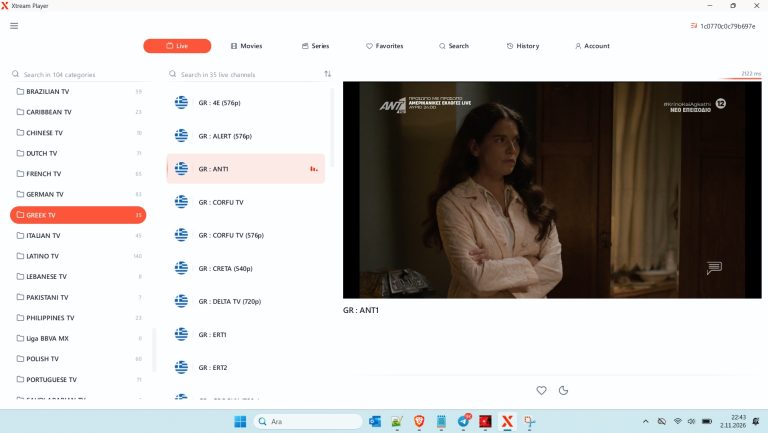
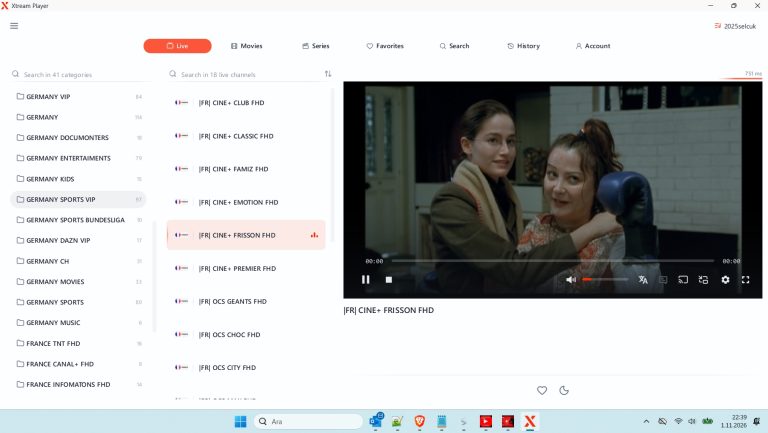
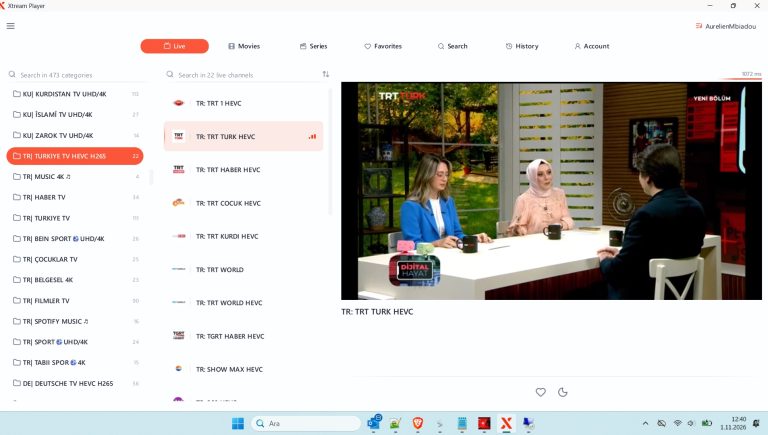
Windows IPTV Player 3.0 Download
Premium M3U playlist USA
👤 www.stbemuiptv.com
━━━━━━━━━━━━━━━━━━
• 𝙋𝙤𝙧𝙩𝙖𝙡 : http://ege8k.com
• 𝘾𝙧𝙚𝙖𝙩𝙚𝙙 : Unlimited
• 𝙀𝙭𝙥 : 30/03/2027
• 𝙐𝙨𝙚𝙧 : 25Y7N8UC
• 𝙋𝙖𝙨𝙨 : DJ3ZFNKP
• 𝘾𝙤𝙣𝙣 : 1
• 𝙈𝙖𝙭𝘾𝙤𝙣𝙣 : 1
• 𝙋𝙤𝙧𝙩 : 8080
• 𝙎𝙩𝙖𝙩𝙪𝙨 : # OK ✅
Download Link
You can watch the video below to download the file.
Finding the Best M3U Playlist for Your Needs
Free vs. Paid M3U Playlists
There is a vast array of Free M3U playlist options available online. These are often community-curated lists that aggregate public streams. While great for testing, they have limitations:
- Stability: Free lists often contain dead links or unstable streams.
- Quality: Bitrates may be low, and channels may buffer frequently.
- Updates: They are rarely updated, meaning new channels may be missing, and removed channels may remain.
If you are looking for a Best M3U playlist, consider a paid subscription. A Best M3U playlist subscription offers:
- Stable Servers: Dedicated infrastructure for reliable streaming.
- Regular Updates: Channels are added and removed as per industry changes.
- High Quality: 1080p and 4K streams for major events.
- EPG Support: Accurate program guides for all channels.
When evaluating a Cheap IPTV M3U playlist, be wary of prices that are too good to be true. Look for providers with a good reputation, responsive support, and a M3U playlist free trial. A trial allows you to test the stability of the M3U playlist IPTV USA channels before committing to a full year.
The M3U Playlist 2026 Landscape
As we approach the M3U playlist 2026 timeline, several trends are emerging:
- 4K and HDR: The Best IPTV M3U playlist 2026 will prioritize high-bandwidth, 4K HDR streams for sports and movies.
- AI Curation: Providers are using AI to curate channels based on user preferences, reducing the need for manual filtering.
- Cloud Sync: Playlists are increasingly stored in the cloud, allowing users to sync their favorite channels across multiple devices seamlessly.
For M3U playlist IPTV USA, the competition is fierce. Users expect local channels, national networks, and niche sports channels to be available. When choosing a Premium M3U playlist USA, ensure that all major networks (ESPN, Fox, NBC, ABC, CBS) are included and stable.
Troubleshooting: M3U Playlist Not Working?
Even the best setup can encounter issues. If your M3U playlist not working, follow these troubleshooting steps:
- Check the URL: Ensure the M3U playlist URL is correct and hasn’t expired. Copy and paste it directly from the provider to avoid typos.
- Internet Speed: IPTV requires a stable connection. A minimum of 25 Mbps is recommended for 1080p streaming.
- DNS Settings: Sometimes, changing your DNS to 8.8.8.8 (Google) or 1.1.1.1 (Cloudflare) can resolve buffering issues.
- Clear Cache: If you are using an app like TiviMate or VLC, clear the cache and restart the app.
- Update the App: Ensure your player is up-to-date. New versions often fix compatibility issues with newer M3U8 standards.
- Test with Another Player: If the issue persists, try a different app. If the playlist works in VLC but not in Kodi, the issue is with the Kodi configuration, not the playlist.
Advanced Tips for Power Users
Using an M3U Playlist App
Dedicated M3U playlist app solutions offer features that generic media players lack. Look for apps that provide:
- Catch-up TV: Access to previously aired shows.
- Multi-View: Watch multiple channels on one screen.
- Recording: DVR functionality to record live TV.
- Parental Controls: Lock specific channels or categories.
Customizing with an M3U Playlist Editor
If you are a tech-savvy user, consider using an M3U playlist editor to create a hybrid playlist. You can combine a Free M3U playlist for local channels with a Premium M3U playlist USA for national networks. This gives you the best of both worlds without paying for channels you don’t need.
Building Your Own List
You can use an M3U playlist generator to build a list from scratch. This is useful if you want to create a playlist of only the top 50 channels you actually watch. A smaller, curated list loads faster and is easier to navigate.
Conclusion: Mastering the M3U Format
The M3U playlist is more than just a file format; it is the key to unlocking the full potential of IPTV. Whether you are a beginner looking for a Free M3U playlist to test the waters or a seasoned user seeking a Best M3U playlist 2026 for a flawless viewing experience, understanding the fundamentals is crucial.
By mastering the M3U8 vs M3U differences, learning how to set up a M3U playlist for VLC or M3U playlist Kodi setup, and knowing how to troubleshoot when things go wrong, you can enjoy a seamless streaming experience. As the market evolves, staying informed about the latest IPTV M3U playlist USA trends and tools will keep you ahead of the curve.
Remember, the best playlist is the one that fits your needs. Experiment with different providers, use trials to test stability, and don’t hesitate to edit your list to make it perfect. The power to curate your entertainment is in your hands.
Frequently Asked Questions
Q: Can I buy an M3U playlist? A: Yes, you can buy M3U playlist subscriptions from various providers. These typically include a URL, EPG, and technical support.
Q: What is the difference between a free and a paid M3U playlist? A: Free lists are community-sourced and unstable. Paid lists are professionally managed, stable, and updated regularly.
Q: How do I add an M3U playlist to my Firestick? A: Install an app like TiviMate or IBo Player, select “Add Playlist,” and paste your M3U playlist URL.
Q: Is M3U8 better than M3U? A: M3U8 is the UTF-8 version and supports international characters. It is generally preferred for modern setups, but M3U is still widely compatible.
Q: Where can I find a list of M3U playlist URLs? A: You can find an M3U playlist URL list from IPTV providers, community forums, or by using an M3U playlist generator to create your own.
By following this guide, you are well-equipped to navigate the world of IPTV and make the most of your M3U playlist experience.
About the Author